There are some ways to know if your devices get targeted by a ransomware program. In fact, if you notify your local authorities immediately, you could possibly stop the attack.
- An increasing number of popup ads.
- Your browser being redirected multiple times.
- Unusual security warnings in messages or popups.
- Your system slows down.
If the attack is successful, of course, you’ll probably get some kind of ransom note – likely in the form of an email, or some kind of “red alert” screen banner ad, according to this recent
AARP article.
So, if the hackers don’t want cash in a briefcase, what are they asking for? Ransomware operators often ask for a type of digital currency called Bitcoin, because it’s difficult to trace. How do you get Bitcoin? Hopefully, you never have to find out.
As for who to call for help in a ransomware emergency, you have a couple of options.
First, notify your local law enforcement. Their cybercrime experts may have experience with the ransomware operators who have targeted you.
Next, talk to your internet service provider. If you have a cloud backup data service, ask for their assistance. A cloud backup can often easily replace your files after a hacker encrypts the hard copies on your drive.
Another option is to visit the
No More Ransom site. This site contains information and decryption keys for known ransomware. If your devices get targeted by well-known ransomware, such as one spread via ransomware-as-a-service, you could install the decryption key and retrieve your data.
To a large extent, protecting yourself is all about knowing the risks and what’s out there in terms of malware and cyber attacks. Some of the best advice for defending against ransomware is the same kind of advice you always hear about being safe online:
- Try to avoid accessing public Wi-Fi for anything other than general searches.
- Use two-factor authentication whenever possible. This often involves receiving a “token” or special number via a different device. Enter the number before accessing your account. For example, if you’re trying to access your bank account on your laptop, you may receive a verification code or token via your smartphone.
- Learn how to recognize phishing scams. Don’t click on strange links, direct messages on social media or emails from friends that look suspicious.
- Stay away from websites that generate warnings on your browser screen, such as sites that have outdated SSL security certificates. Read up on how to cyber proof your smartphone as well as your home computer.
- Install security updates on your laptop, desktop and smartphones when they come out.
Other tips revolve specifically around ransomware, including:
- Talking to your internet service provider about a backup service to protect yourself. Having a separate backup takes the teeth out of what ransomware hackers can do to your system. If you already have the valuable data backed up, you’ll be less panicked if someone gets their hands on what’s on your hard drive.
- Never using passwords that include names, birthdays or addresses. Don’t reuse passwords. Instead, use a service such as LastPass, Avira Password Manager or Dashlane. They generate and store random passwords for all your digital accounts.
- Avoiding casual friending on social media. When hackers can get a better look at your profile and personal information they’re more able to trick you with a false profile.
Hopefully, by knowing how ransomware works and thinking about protection, you’ll be able to stay out of the way of this kind of dangerous cyber attack. Loss of personal data can lead to all sorts of other bad situations – including identity theft. Staying aware and protected can help.
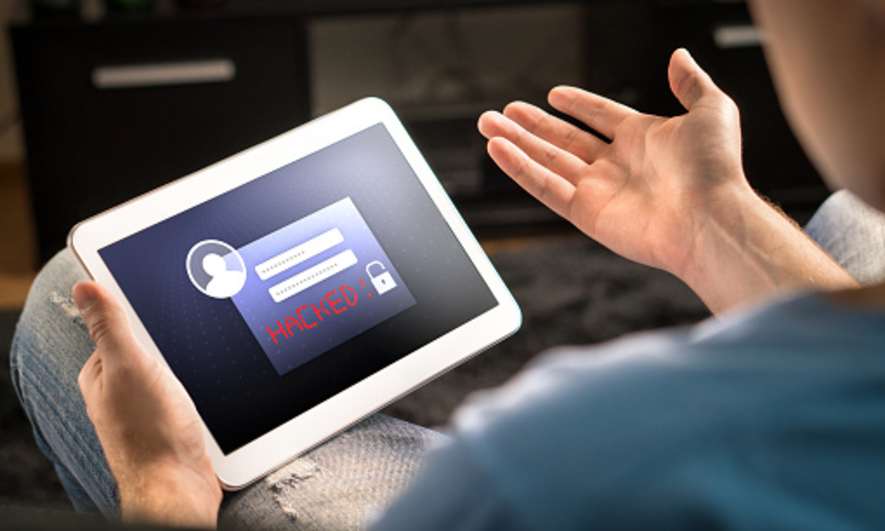

 The news is full of stories about ransomware attacks on businesses and organizations. Certain industries, such as healthcare, education, government and finance are particularly at risk.